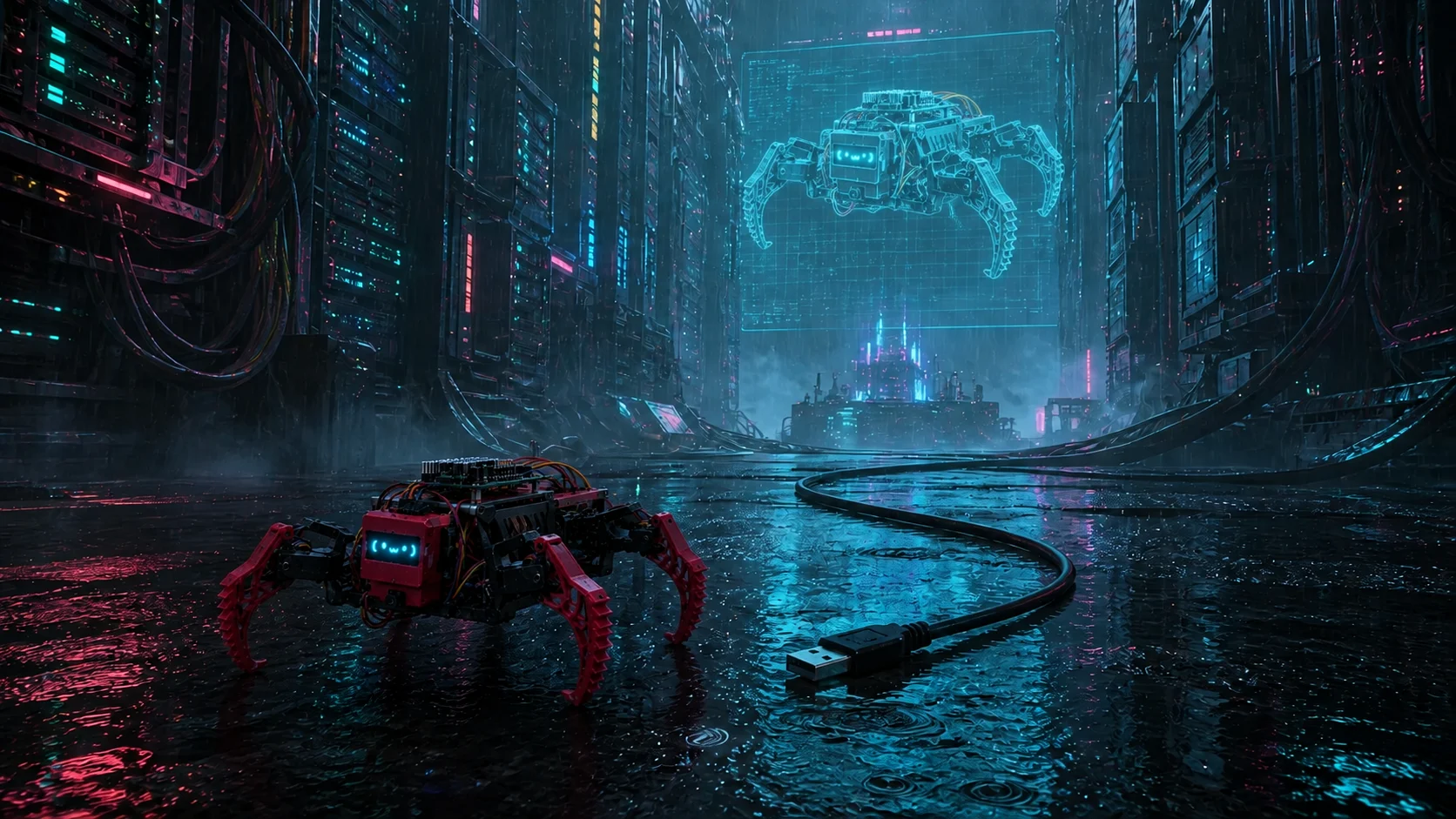
Ainekio’s body handles motors and sensors. MetaHuman OS handles conversation,
memory, and decisions. Three pieces of Ainekio software connect the two and
let a person inspect the robot:
- The gateway maintains the authenticated network connection to the body
and carries commands, results, images, and audio.
- The adapter translates between MetaHuman’s device interface and Ainekio’s
robot commands.
- The operator dashboard gives a person controls and a view of the robot’s
reported state.
They live in the robot repository’s Master/ code. MetaHuman schedules work
and reviews its outcome; the controller on the body checks movement limits.
Follow a command through the connection#
Consider a request to sit. MetaHuman sends an action through its Environment
Bridge, the interface it uses to connect to external devices. Ainekio’s adapter
translates that action into a checked robot command. The gateway delivers it
to the controller, then waits for the robot’s result rather than treating a
network write as completion.
The gateway authenticates the robot and adapter separately. Robot sessions
report identity, supported features, current readiness, state, and command
results. This tells MetaHuman which actions are available now.
The adapter advertises the body-owned catalog of named commands. MetaHuman
uses that advertised list and its descriptions to construct and validate model
choices, keeping the supported repertoire consistent across the connection.
Readiness still determines whether a feature can be used at that moment.
The connection carries protocol-v1 JSON control messages and binary media.
The gateway matches command IDs to final results, pairs camera metadata with
JPEG images, assembles microphone utterances, and paces outgoing speaker audio.
It also records errors, media counters, and connection epochs: identifiers
that distinguish one connection session from the next during diagnosis.
Local discovery uses DNS Service Discovery (DNS-SD), which finds the service on
the local network, with a limited attempt at a cached address. A stale cached
address is not permanent configuration. Local mode does not automatically
switch to the optional relay service.
What the dashboard is for#
The dashboard shows body state, connection state, battery classification,
camera and wake-word readiness, and media counters. These are reports from the
robot and gateway, useful when checking whether a device is connected and
ready to act.
An operator can enable limited camera preview, change microphone or wake
settings, request supported actions, and run hardware checks such as a speaker
test tone. The dashboard’s volume setting changes that test tone; ordinary
MetaHuman speech uses a separate volume path.
What the adapter translates#
MetaHuman’s Environment Bridge works with device-independent actions. The
Ainekio adapter implements them using the selected body’s current features:
| Action or event | What happens on the Ainekio path |
|---|
robotCommand | Send a checked named command such as sit or wave |
robotMotionPlan | Send a sequence of joint-position frames, if supported |
captureImage | Request a fresh snapshot and return the matching JPEG |
| Robot speech | Send rendered PCM audio samples through the gateway |
| Microphone utterance | Package a speech segment as WAV for MetaHuman’s Whisper transcription |
Voice activity detection (VAD) determines where a microphone utterance ends.
Whisper converts that recorded speech to text. In the other direction, a
speech action waits for playback feedback from the robot, not just creation
of an audio file.
Keeping action records across an interruption#
Suppose the robot receives a movement but the connection drops before its
reply arrives. The adapter needs to know whether it can return a saved result,
wait for more evidence, or report an unknown outcome. Simply sending the
movement again could repeat a physical action.
September work adds SQLite action records and pending result and observation
delivery. Each action ID is tied to its request content. Repeated delivery can
return the existing record instead of running the command again. Dispatch
checks which Work Coordinator process is currently authorized to control the
body. Cancellation can also block an original request that arrives late.
Keeping a late result connected to its command#
The September 8 investigation found a concrete stall: the adapter stopped
waiting after 30 seconds, saved an unknown outcome, and ended its result
monitor. MetaHuman retained the unresolved body job, so the following movement
could not start.
The repaired adapter keeps following the gateway’s original pending command
until completion, rejection, cancellation, or disconnect. Recovery uses that
same command record and matches the gateway process, robot, connection epoch,
and sequence. A reused sequence in a new session cannot complete old work.
Recovered image results use the same matching and cleanup path as normal ones.
An acknowledged stop releases earlier pending asynchronous commands and their
camera reservation. If the host restarts, authenticated robot reconnection
ends the old control session while retaining uncertainty about any earlier
physical effect. Recovery does not send the old movement again.
The September 8 record reports 68 passing receipt, adapter, speech, gateway,
and command-catalog tests, plus an isolated MetaHuman check of late completion
and cancellation. They use simulated physical execution. The repair remains
local source work and needs a host gateway restart, followed by a deployed
test. A MetaHuman Site rebuild alone will not activate this host change. Why
the original body completion went missing remains unresolved.
Connection results and the unresolved fault#
Physical tests have produced authenticated sessions and completed commands.
They have also recorded abnormal WebSocket closes and host No route to host
errors while the gateway remained running. WebSocket is the persistent network
connection used here; its closure interrupts the exchange even if the gateway
process itself is still alive.
The cause is unresolved. Strong Wi-Fi signal cannot rule out routing problems,
incomplete binary writes, controller resets, power faults, or connection
lifecycle errors. The next diagnostic run should collect robot errors, session
IDs, media counters, reset reason, host routes, and gateway operations together.
Changing one retry setting at a time will make the results easier to interpret.
Why the old URL mentions a simulator#
This page previously covered a simulator alongside the physical connection.
That experiment was unsuccessful and has been completely retired. It is outside
the current tooling and V2 plan. The URL remains usable for existing links;
the July motion article preserves the old
design, command mappings, and reported tests as history.